Knowledge Gap Atlas
Find the thread.
See what’s missing.
Turn a wall of text into a landscape of ideas. Explore the connections, follow the evidence, and find your next good question.
Checking article narration…
Published · Updated
You have read the material. What connects it?
Sometimes the difficulty is not a shortage of notes. It is a folder full of notes that have never quite met each other.
One document discusses summer heat. Another discusses public transport. A third contains observations about elderly neighbours. The connections may be useful, but a search box only finds the words you already thought to search for.
Knowledge Gap Atlas gives your material a different surface. Recurring concepts become points, nearby mentions become connections, and groups of related concepts become topic islands. You can follow a promising connection straight back to the words that produced it.
Start with an example, or paste something you are working on. For longer material, add text or Markdown files. Your sources stay in the browser; the atlas does not send them to an AI service.
Start with a job you need to finish
A useful atlas begins with a question about your material. The built-in practice cases use original illustrative writing, with a task and suggested steps. They show how to use the workspace; they are not real customer interviews, published studies or performance benchmarks.
| Your task | Material to bring | A useful next action |
|---|---|---|
| Prepare a project handoff | A handoff draft as your material; meeting and rehearsal notes as references | Ask who can stop the rollout, who covers support, and which check proves the handoff is ready. |
| Review product requirements | A release brief as your material; interview and support notes as references | Turn an overlooked workflow into an acceptance check or an open research question. |
| Revise an essay or literature review | Your draft as the target; abstracts, excerpts or reading notes as references | Inspect lighter coverage, then decide which omission needs evidence, a qualification or no change. |
| Review a policy or report | The proposal and the notes behind it | Trace how the proposed action connects to maintenance, access and responsibility. |
| Find a creative research thread | Notes from different parts of a project | Follow an idea across sources and identify the permission or evidence needed to use it. |
For a handoff, “rollback” appearing on the map is only a starting point. Read whether the source says the procedure passed a rehearsal, someone proposed a test, or an owner still needs to be confirmed. The atlas does not turn meeting language into a reliable decision register.
For product work, compare the requirements with the supplied feedback. Open a concept’s passages before changing the roadmap. Repeated mentions are not a count of affected customers, and a sparse connection is not a priority score. Save a question such as “Can a worker recover an offline draft after a connection drops without creating a duplicate visit?” Then add the test or interview that could answer it.
For a literature review, the reference set matters as much as the graph. A handful of selected abstracts cannot stand in for a complete field. Keep the source boundaries visible and use the map to organise further reading, not to claim that the literature contains a proven research gap.
Read the map, then read the evidence
A large node is a signal to inspect, not a certificate of importance. A line says that two concepts occurred near each other in your material. It does not establish that one caused the other, or even that the author agreed with their relationship.
Select a concept to see its source distribution and passages. Select a finding to inspect the concepts on both sides. The source reader keeps the original wording available, including the qualifications that a compact graph cannot show.
Topic colours distinguish groups found by the analysis. Positions help you navigate those groups; centimetres on the screen are not a calibrated measure of meaning. Use the concept list and coverage view when a table answers your question more directly than a map.
Ask a better next question
The atlas looks for several kinds of opportunity. Some topics share a context but barely connect in the writing. Some connections depend heavily on one concept. Some ideas are developed in only one source. Others sit at the edge of the network with enough support to deserve another look.
Each finding explains the observation and offers a question. Those questions come from transparent templates using your extracted concepts. They are starting points for your judgement, not answers supplied by an invisible author.
A useful question might be: where does this report connect shaded walking routes with access to healthcare? The graph cannot decide whether that relationship matters to your project. It can make the missing discussion easier to notice, then show you the evidence you have.
Save promising questions to the research plan, rewrite them in your own words, and add notes as you investigate. You can mark a question addressed or dismiss it when the apparent gap turns out to be deliberate.
Compare a draft with the material behind it
To investigate coverage, give the atlas two roles: your target material and your references. The target might be an essay draft, a report, or a collection of study notes. References might be a reading list, source excerpts, or a syllabus you supply.
The comparison shows shared concepts and relative coverage. A longer document does not automatically win: counts are normalised against the material in each role. An unfamiliar phrase can still be an extraction or vocabulary problem, so read “not found” as “not found under these settings”.
This is especially useful before a revision. It helps you see which parts of the reference material your draft returns to repeatedly and which barely appear. It cannot tell you that every reference topic belongs in the finished piece. A good essay often leaves things out on purpose.
Keep the material; adjust the lens
Window size changes how near two concepts must occur to count as connected. Minimum support changes which concepts qualify for the analysed network. Topic resolution changes how finely that network is divided. Exclusions and aliases let you correct repetitive vocabulary or group terms deliberately.
These choices affect the findings. Keep the source text intact and treat settings as a lens you can revisit. A bridge that disappears after a small settings change deserves more caution than one you can repeatedly trace through several documents.
No word or token quota is imposed by the app. Large files are read and stored in chunks, but a browser is still a computer with finite resources. Very large vocabularies and networks can require substantial memory even when the text itself is stored on disk. Processing status and errors distinguish completed work from interrupted work.
Take the questions with you
Projects are saved locally in this browser. Export a project to keep a portable copy, a Markdown report to continue writing elsewhere, or a map image to explain what you found. Review whether an export includes source text before sharing it.
Browser storage is convenient working space, not a permanent backup. Clearing site data or changing devices can leave your local project behind. A downloaded export gives you something you control.
The broad idea of exploring text through networks has a long history; InfraNodus is one useful inspiration. This atlas uses an independent browser-local implementation built around source inspection, comparison, and an editable research plan. If you want another view of the same writing, try The Anatomy of an Essay.
Find Knowledge Gap Atlas in both Viz and Apps. Both open this same application.
Quick reference and FAQ
Turn your own writing and notes into a map of recurring ideas. Inspect the passages behind a connection, compare your draft with reference material, and save questions worth investigating. Your text stays on your device.
Key Terms
- Co-occurrence
- Topic community
- Structural gap
- Source evidence
- Reference coverage
Frequently asked questions
Does Knowledge Gap Atlas use an AI API?
No. Text processing, network analysis and research-question templates run locally in your browser. You do not need an API key, account, subscription or model download.
Is there a word or token limit?
There is no application-imposed word or token quota. Files are processed in chunks. Available browser storage, device memory and processing time still determine what your device can handle; graph analysis also needs memory.
Does a gap prove that something is missing from my knowledge?
No. A structural gap describes weak connections in the supplied material under the current settings. Reference-relative coverage requires reference material you choose. Findings are questions for investigation, not judgements about you or claims about the whole world.
Where are my projects stored?
Projects are stored in this browser on this device. They are not uploaded to this site. Clearing site data can erase them, so export a project when you need a portable backup.
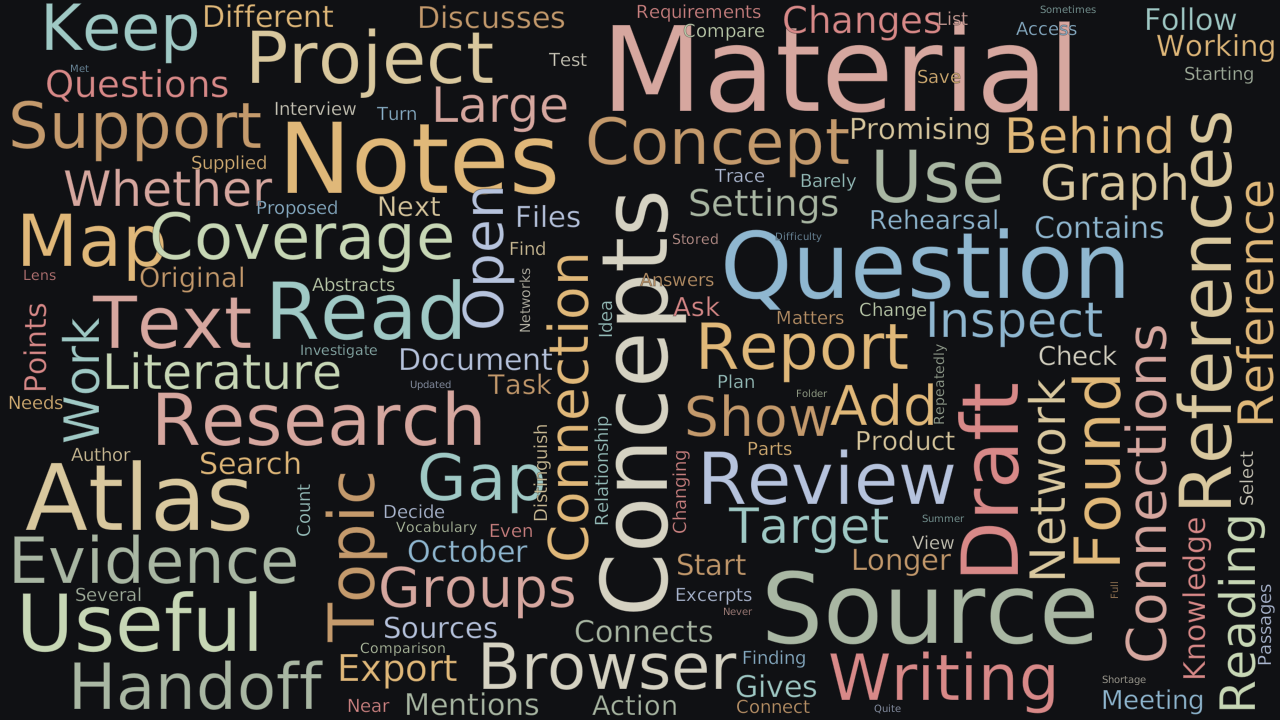
Word Cloud
Related reading
Selected by shared topics and section, with closer publication dates breaking ties.
Comments
Read the conversation or leave a thought for review. Comments load when this section is in view.