A prompt can contain a task, a little world, several rules, and a contradiction hiding between two sentences. Paste one below and see what structure you can make visible.
A FIELD GUIDE TO YOUR OWN INSTRUCTIONS
Prompt Atlas
Put your words on the map.
Find the people, things, actions
and rules inside a prompt.
One interpretation. Many views.
01 Your prompt
Local · rules-basedMore text statistics
- Without whitespace
- 0
- Words
- 0
- Lines
- 0
- Unicode code points
- 0
- UTF-16 units
- 0
- UTF-8 bytes
- 0
Characters count visible grapheme clusters, including spaces and line breaks. Words use word segmentation. These are text measures; they are not token counts.
Up to 200,000 Unicode code points. Long AI requests may use a compressed reading; your full source and character count are preserved.
Your text stays in this browser. Rules identify common prompt and modeling patterns; review ambiguous or unusual language. AI semantic analysis is optional and uses a separate consent step.
Start with a specimen
02 The map
Waiting for wordsYour words have a structure.
Paste a prompt or choose a specimen.
We’ll lay out what is there, and flag what
needs a closer look.
Checking article narration…
Published · Updated
Start with the words
The character counter updates as you type. It includes spaces and line breaks. A visible character can be made from several Unicode code points, so the expanded statistics explain the difference between characters, code points, UTF-16 units and bytes.
Choose Analyze when you want to inspect the prompt. Local mode uses rules in your browser. Optional AI · semantic mode uses a free model to interpret unusual language and build a more nuanced ontology. Review the named provider and its retention policy, then consent to that request. Free AI availability is limited; you can always return to local analysis.
Long prompts use source-grounded compression: repeated passages are deduplicated and exact excerpts are selected from across the original. The full prompt stays available for evidence. The AI proposes entities and relationships; the app anchors them to original source passages and preserves clear instructions and explicit storage details found locally. Coverage figures show how much was analysed and omitted, so a partial interpretation is visible. The editor accepts up to 200,000 Unicode code points; a diagram is a working overview, not a claim that every detail survived compression.
A map of what the prompt says
An ontology here means a working inventory of the people, things, concepts, actions, rules and relationships found in your text.
There are two layers to inspect. In “Write a kind bedtime story about a robot gardener”, writing a story is the task, kindness is a constraint, and the robot gardener belongs to the subject. Keeping those layers visible makes it easier to see what you are asking for and what you are asking about.
Select an item to inspect its evidence. An explicit item points back to words in the source. An inference records an interpretation. A correction you confirm is marked as information supplied by you. The original text remains available for comparison.
Choose a view that fits
The mind map groups the prompt into branches. The concept map keeps labelled connections between ideas. The knowledge graph connects instruction and subject entities across the prompt, with labelled relationships and traceable evidence. Inferred connections remain visibly distinct from explicit statements. A flowchart needs actions and some supported account of what happens next. A state diagram needs states and transitions. Data models need entities and relationships, then progressively more detail about attributes, identifiers and storage.
Conceptual, logical and physical describe levels of modelling detail. UML supplies a family of diagram notations. A story prompt may support a useful mind map while supplying too little information for a physical database model.
Prompt Atlas checks those prerequisites before recommending a view. A fit score describes how well a view matches the available structure. It is not a probability that an interpretation is correct.
Changing the selected view reuses the same interpretation. Correct an entity or relationship once, then inspect the consequences in the supported diagrams.
Leave room for uncertainty
“Make it exactly 100 words and no more than 50 words” contains two incompatible instructions. A useful inspection makes both visible.
“The moon invoices Tuesday” may be a fine beginning for something strange. Its diagram should preserve that strangeness. A drawing becomes less useful if it quietly supplies a billing system, customer records and a database that the sentence never specified.
Read unresolved questions as invitations to inspect the prompt. Confirm a likely interpretation, supply a missing detail, or keep the uncertainty.
Take the result with you
Export a diagram as SVG, save the structured interpretation as JSON, keep a readable Markdown outline, or export the ontology as a JSON-LD knowledge graph. Analysis mode, provider identity and compression coverage travel with the result. Check the source-text option before exporting: a prompt can contain information you would prefer to keep in the current session.
Prompt Atlas appears in both Viz and Apps. Both collections open this same tool.
Quick reference and FAQ
Paste an English prompt to count its characters and inspect the people, things, actions, rules and relationships it describes. Choose a diagram, follow its evidence, and correct the interpretation.
Key Terms
- Ontology
- Mind map
- Concept map
- Evidence
- Data model
- UML
Frequently asked questions
Does Prompt Atlas send my prompt to an AI provider?
Local mode runs in your browser. Optional AI mode sends your prompt to this site’s server and selected source excerpts through Vercel AI Gateway to NVIDIA, only after consent for that request. NVIDIA may retain submitted material for model improvement. Local mode remains available when the free model is unavailable.
Why are some diagrams unavailable?
Each view needs particular evidence. A state diagram needs states and transitions; a physical database model needs a database target and column details. Prompt Atlas explains what is missing.
What does the character count include?
The main count includes spaces and line breaks, and counts visible Unicode characters as grapheme clusters. Further statistics distinguish code points, UTF-16 units and UTF-8 bytes.
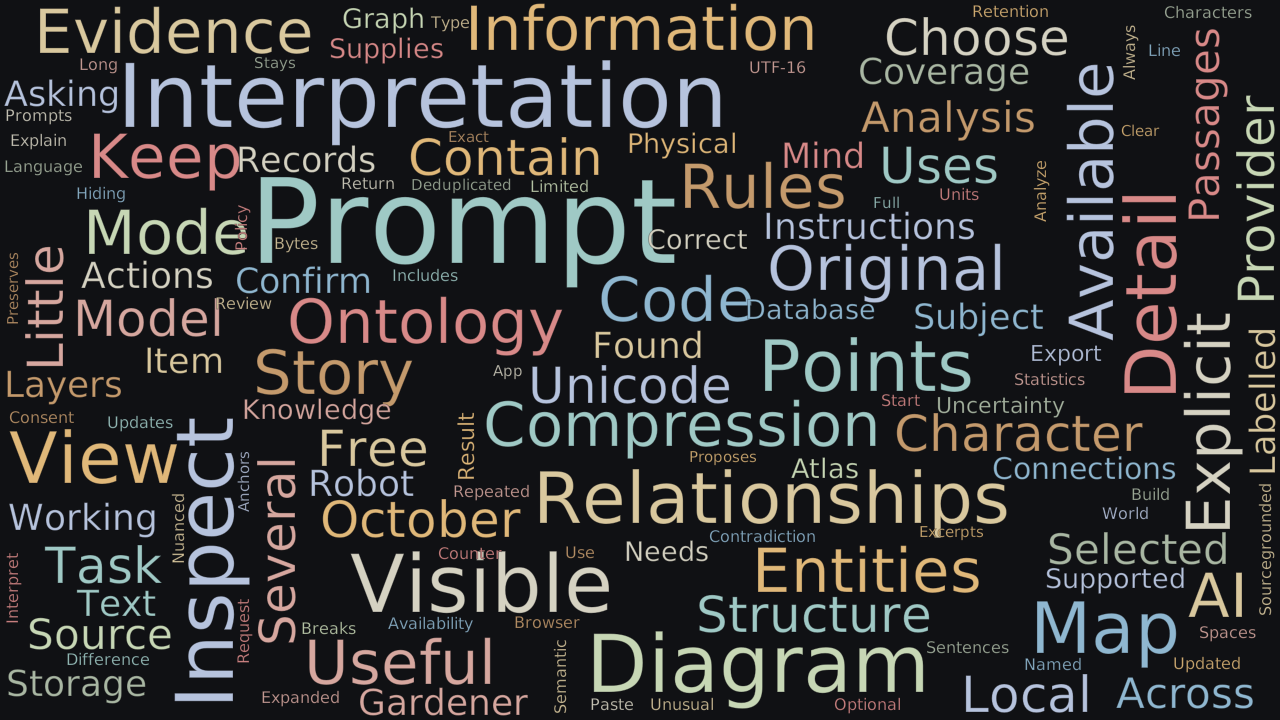
Word Cloud
Related reading
Selected by shared topics and section, with closer publication dates breaking ties.
Comments
Read the conversation or leave a thought for review. Comments load when this section is in view.