Fractal Trip: Change a Number, Follow the Pattern
A SMALL RULE. A WORLD OF DETAIL.
FRACTAL TRIP
Preparing your view…
Published · Updated
Checking article narration…
Change one number
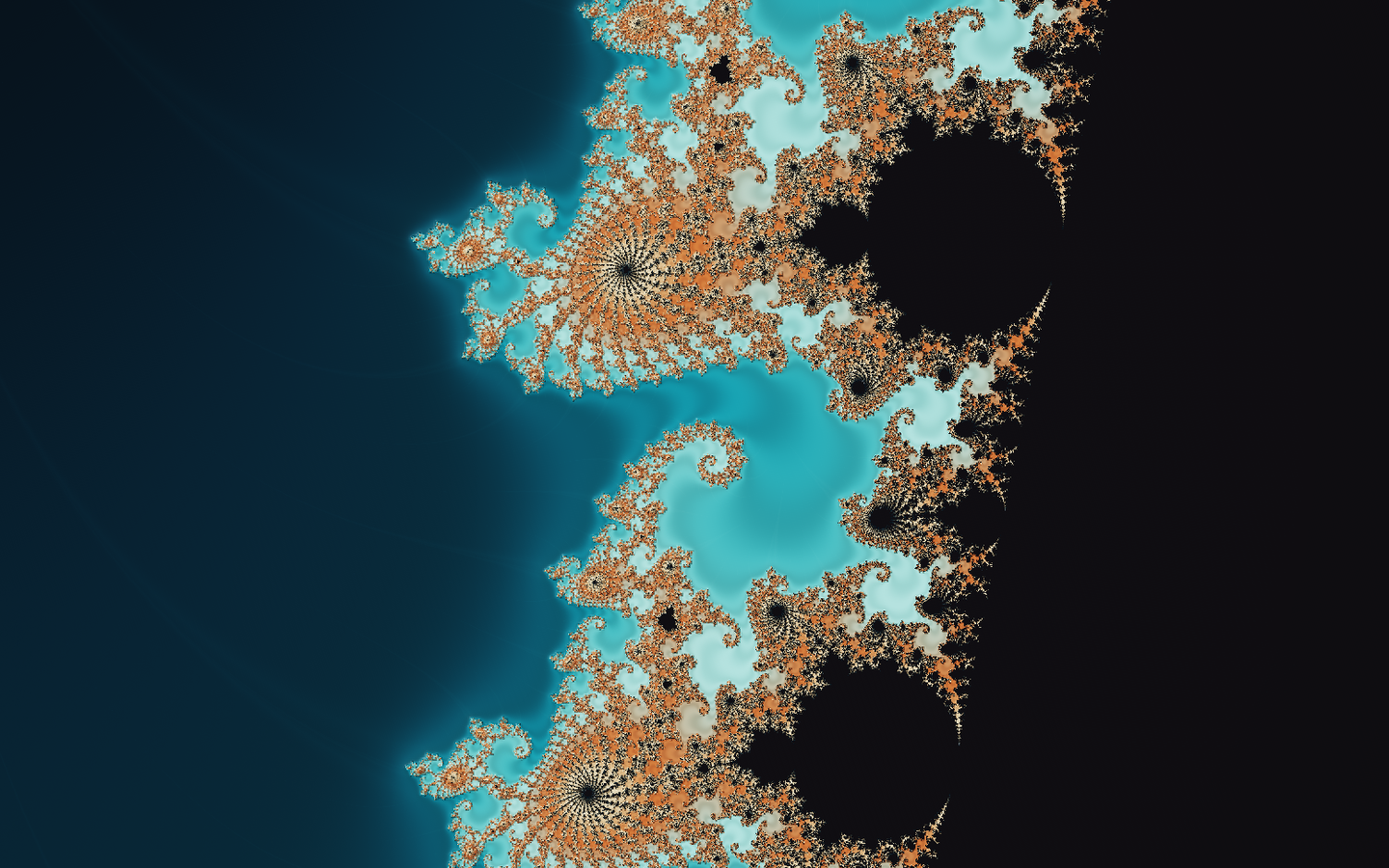
Choose Julia and move the seed a little. The branches rearrange themselves. Change the colour and the same structure takes on a different appearance. You have changed two different things: the rule that produces the pattern, and the way the result is drawn.
Fractal Trip lets you explore both. Choose a shape, start a slow journey, or pause and steer for yourself. The dark controls are there to keep the bright, complicated part of the screen easy to handle. Knowing what every symbol means is optional. Being able to stop the thing is rather more important.
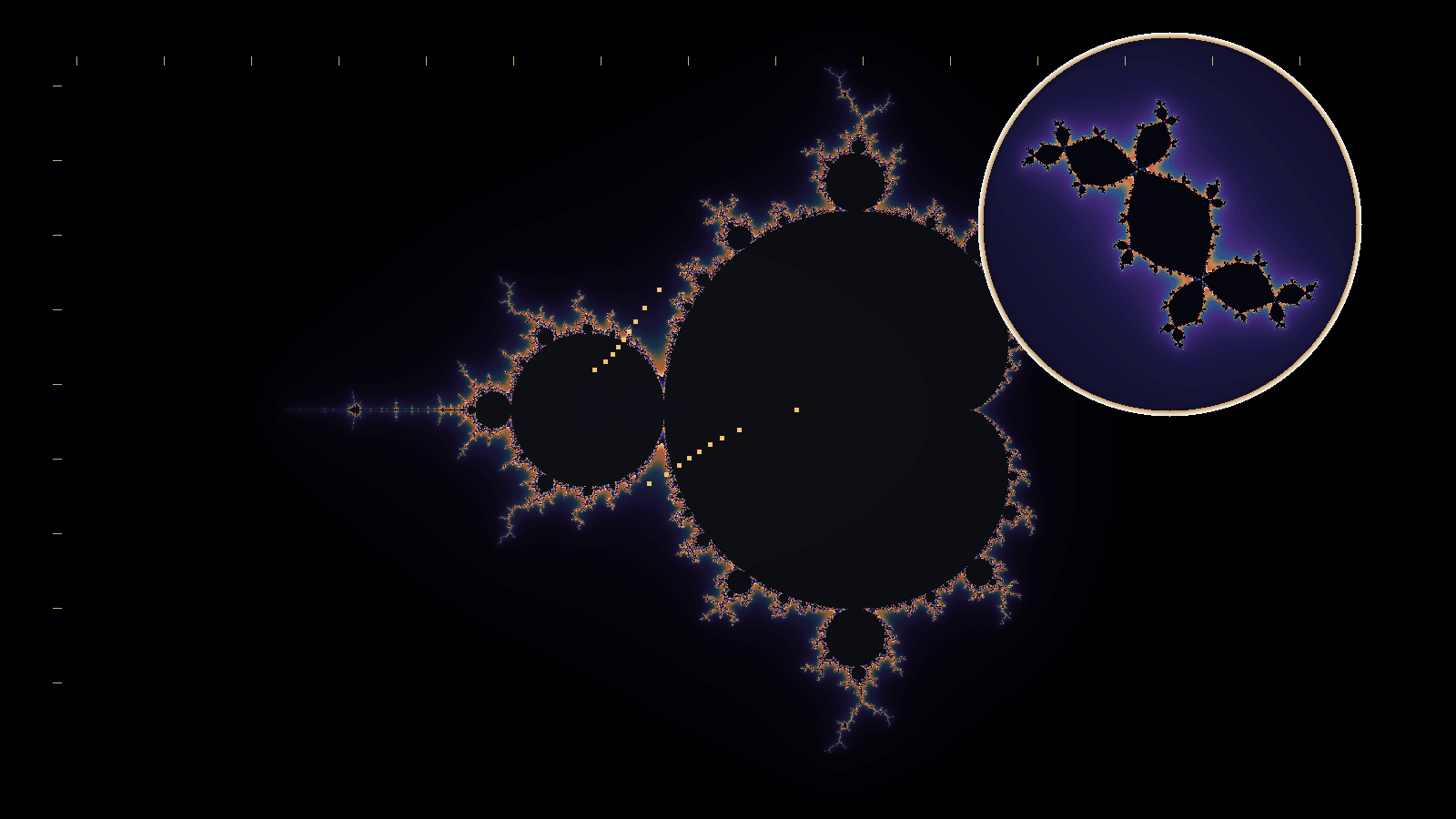
Start with Mandelbrot, press Start trip, and watch the boundary become more elaborate as the view approaches it. Pause when something catches your attention. The picture is calculated from a repeated rule, so changing the view asks the browser to do the calculation again at a different scale.
A small rule, repeated
The familiar Mandelbrot set begins with this equation:
Start with . Square it, add , and use that answer as the next . Repeat.
If , the sequence is . It stays where it started. If , the sequence begins . It leaves in a hurry. These are two easy cases. The interesting picture appears when the calculation is repeated across a plane of complex numbers, where a number has both a real and an imaginary part.
Each pixel chooses a different . The renderer follows the sequence and records whether it escapes beyond an appropriate bound, and how quickly. Nearby choices can behave very differently, especially around the boundary. Draw those differences and the curls, branches and small repeated forms begin to appear.
The colours are our choice. They can follow escape behaviour or other measurements made during the calculation. The equation does not come with a compulsory turquoise setting.
A point that has not escaped before the calculation stops is still unresolved at that budget. A dark pixel is not, by itself, a mathematical proof that the sequence will remain bounded forever.
The numbers that change the shape
Power replaces the square with a higher integer power. At two, the parameter-plane view is the ordinary Mandelbrot set. At higher powers it belongs to the Multibrot family. Changing power changes the rule; zooming simply lets you inspect its result more closely.
Julia uses the same sort of recurrence differently. Here is fixed, and each pixel chooses the starting . The two seed controls change the real and imaginary parts of . Keep one still and move the other slowly. It is easier to see a parameter’s effect when everything else stops volunteering for attention.
Burning Ship folds the real and imaginary components through absolute values before taking the power. Tricorn uses complex conjugation. These small alterations produce recognisably different families. Their higher-power variants have their own settings too.
Newton asks a different question: which root does a starting point approach? Its iteration repeatedly improves an estimate of a polynomial root. Move the roots or change the relaxation, and the coloured basins change. Points near a dividing boundary can take a long time to settle; some do not converge within the allowed calculation.
Open Equation to find the controls for the selected family. The displayed rule and values belong to that family. Reset equation restores its starting parameters; Reset view brings the camera back. Undo is useful when a promising experiment becomes an unpromising one.
Where the depth comes from
The plane views can have relief shading. Light and surface controls make the calculated field look raised or engraved. This is a way of displaying a two-dimensional result. Turning down the relief makes that distinction easy to see.
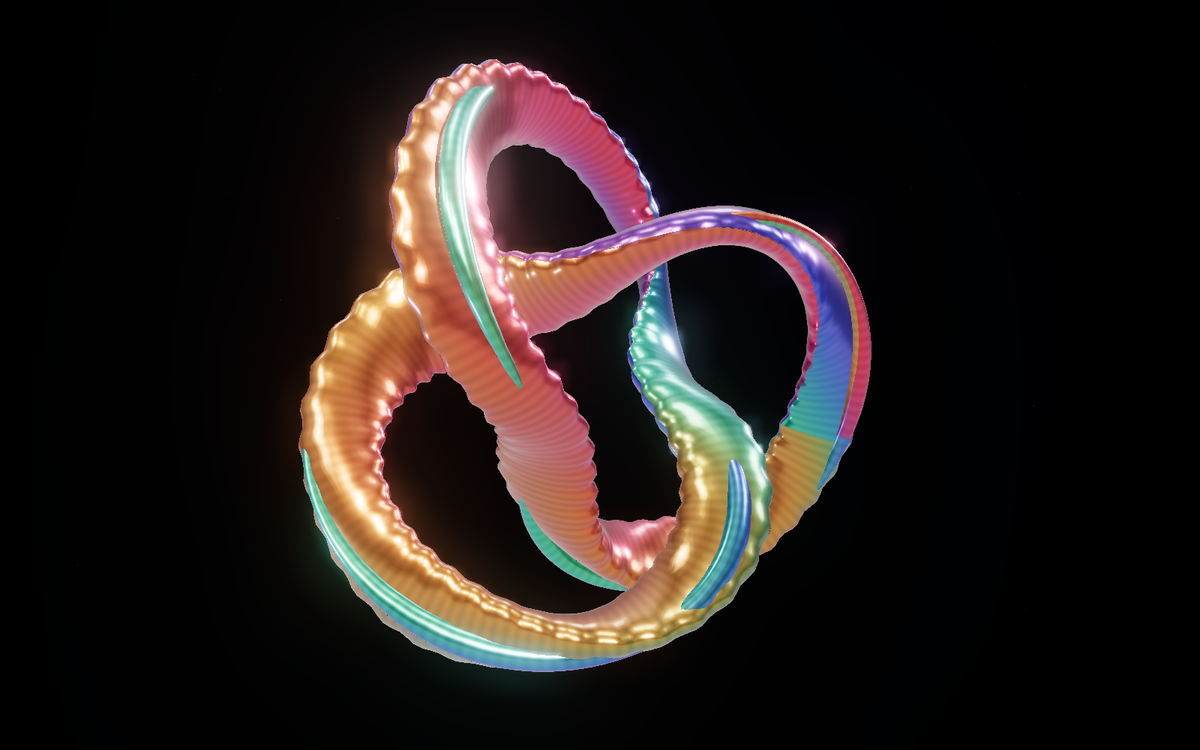
Mandelbulb and Mandelbox are three-dimensional constructions. The Mandelbulb uses a power-like operation expressed through spherical coordinates. The Mandelbox repeatedly folds, scales and shifts positions. Power, seed and fold parameters alter the forms themselves.
To draw these surfaces, the renderer follows a ray from the camera through each part of the image. A distance estimator guides its progress towards the shape. Estimated surface directions then supply the lighting. You can turn the object and see another side because there is a three-dimensional calculation behind the view.
The metallic and pearlescent finishes are artistic choices. They help reveal ridges, recesses and silhouette. They do not turn the equation into a lump of actual copper, however persuasive the highlights become.
A useful way to explore
Begin with a preset and change one equation parameter. Pause the journey while doing this. Then try another palette on the same view. Finally, adjust the surface and light. Keeping those steps separate makes it clear which change produced the result you liked.
Drag to pan in the plane views, or to orbit a three-dimensional form. Use the zoom controls, wheel or pinch gesture to approach. Manual exploration pauses the trip so you and the camera are not trying to drive at once. Fullscreen gives the detail more room; hiding the controls leaves the artwork almost alone.
The quality options balance detail against the work your browser can manage. A smaller drawing buffer can make movement smoother. More calculation may refine a boundary, but it cannot recover coordinates the arithmetic can no longer distinguish. These journeys have limits. At very small scales, an honest stopping point is more useful than a confident blur.
Save image keeps a clean PNG. Copy view link keeps the equation settings and view. Saved views stay in this browser. The mathematical settings can be restored, although different graphics hardware may draw slightly different final pixels.
For a closer look at the mathematics, visit The Fractal Atlas. The ray-marching exhibit explains the camera-ray approach, while Strange Matter offers another way to play with procedural form and colour.
Try Julia now: keep the imaginary seed fixed, move the real seed a little, and pause on the first arrangement you want to keep.
Quick reference and FAQ
Choose a fractal, change the numbers in its equation and explore the result. Start a slow trip or steer for yourself, then save an image or a link to the view.
Key Terms
- Fractal
- Iteration
- Mandelbrot set
- Julia set
- Escape time
- Mandelbulb
- Mandelbox
- Floating-point precision
Frequently asked questions
What is Fractal Trip?
Fractal Trip is a browser-based explorer for Mandelbrot, Julia, Burning Ship, Tricorn, Newton, Mandelbulb and Mandelbox patterns. You can change their equation parameters, explore their detail and save a view.
Are all the fractals three-dimensional?
No. Mandelbrot and the other plane views are two-dimensional calculations with optional relief shading. Mandelbulb and Mandelbox are three-dimensional constructions rendered by sampling along camera rays.
What is the difference between changing a seed and changing a colour?
A Julia seed is part of the repeated equation and changes the pattern. A palette changes how the calculated result is displayed. Camera and light controls also change its appearance without changing the recurrence.
Can I keep zooming forever?
No. The browser has a finite calculation budget and finite numerical precision. Fractal Trip bounds its zoom and trips so it does not pass off enlarged pixels or repeated numerical values as new detail.
Can I save what I find?
Save image downloads a clean PNG. Copy view link preserves the selected equation, settings and view. Saved views stay in this browser; graphics hardware can produce small differences in the final pixels.
Word Cloud
Related reading
Selected by shared topics and section, with closer publication dates breaking ties.
Comments
Read the conversation or leave a thought for review. Comments load when this section is in view.