Hello, Fragment: Your First Shader from Scratch
On this page
Quick Answer
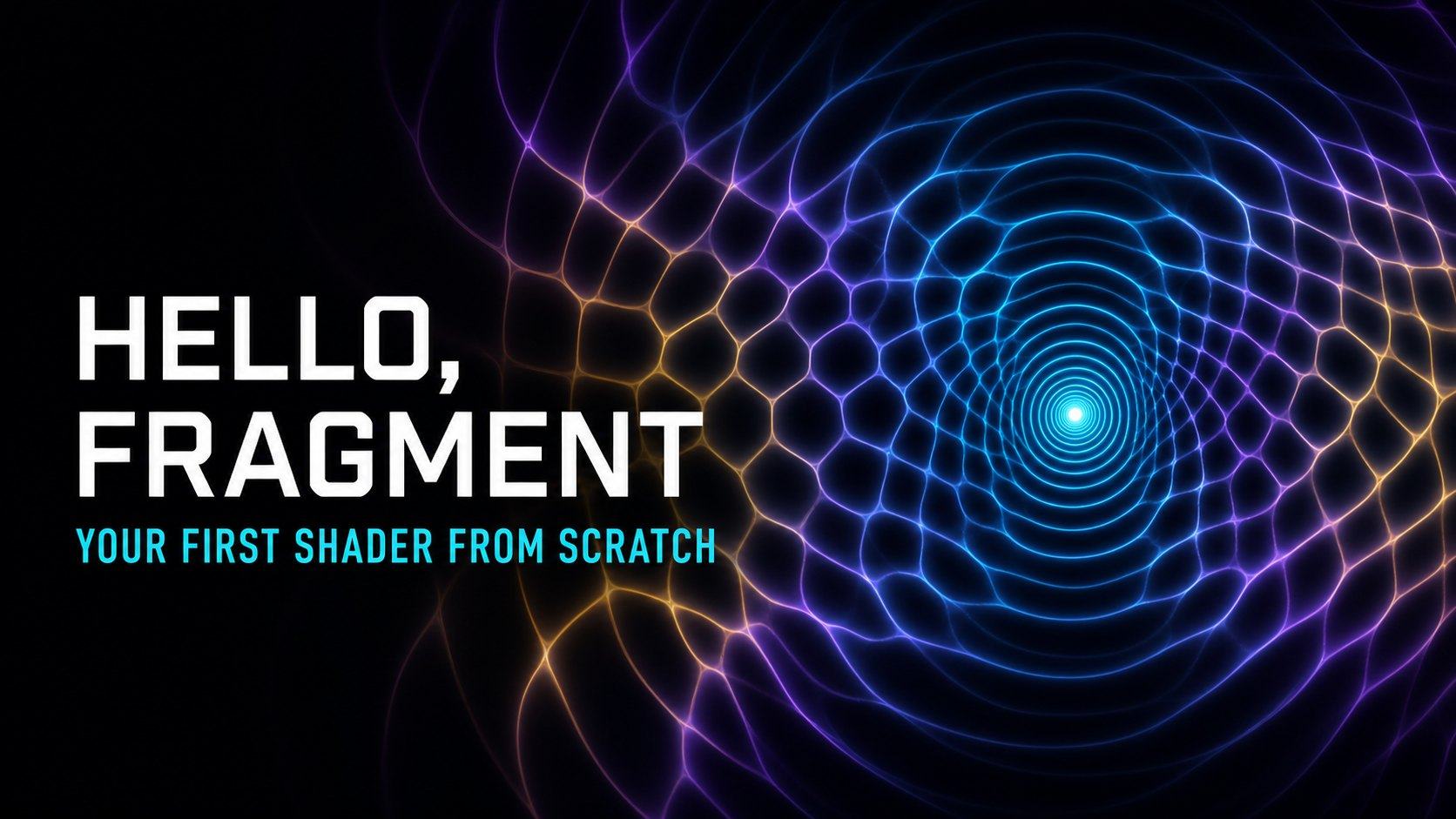
A fragment shader is a small program that the GPU runs across many pixels at once. Here, pixel position, time, pointer position, and canvas size become numbers that produce an animated field of overlapping waves.
Key Terms
- Fragment shader
- Vertex shader
- GPU
- Uniform
- Normalized coordinates
- RGBA
- Interference
Frequently asked questions
Do I need to know graphics programming before writing this shader?
No. The article begins with an empty p5.js WebGL canvas and introduces each piece of GLSL only when it creates a visible change.
Why use p5.js if the shader runs on the GPU?
p5.js creates and resizes the WebGL canvas, compiles the shader, supplies uniforms, and draws the full-screen rectangle. The fragment shader still calculates the final colour on the GPU.
What happens when WebGL is unavailable?
The article keeps all explanatory text and source code readable, then shows a static poster in place of the live canvas.
Uses the speech voice supplied by your browser or device.
Imagine a dark wall made of tiny lamps. You are allowed to give every lamp the same short recipe: learn where you are, learn what time it is, measure your distance from a few moving points, and choose a colour. Millions of lamps follow the recipe together. A moving world appears.
That is close enough to the spirit of a fragment shader to begin.
The exhibit below is the finished programme. Move a pointer across it, drag a finger over it, or focus the canvas and use the arrow keys. Try the three presets. Pause it, alter one number, restart the motion, and open the source drawer when curiosity wins.
Live experiment
Hello, Fragment — luminous interference field
Interactive shader not loaded yet.
Before the GPU: the ordinary drawing loop
A familiar CPU drawing programme works like a careful illustrator. It enters a loop, visits an object, calculates its position, asks for its colour, draws it, then continues to the next object. On the following frame, it repeats the work.
In simplified JavaScript, the rhythm might look like this:
for (const particle of particles) {
  particle.position.x += particle.velocity.x;
  particle.position.y += particle.velocity.y;
  drawCircle(particle.position, particle.colour);
}
That method is excellent for logic with a natural order: update this particle, test that collision, change this score. But colouring a large rectangle pixel by pixel would make the CPU behave like a clerk stamping one square after another.
A GPU was built for a different kind of work. It is less interested in one elaborate sequence and more interested in repeating a compact calculation across a great many pieces of data. Instead of asking one worker to colour every square, it gives the same small instruction to a crowd.
The useful distinction is not “slow CPU, fast GPU.” CPUs are extraordinarily fast. The difference is the shape of the work:
| CPU drawing loop | GPU fragment work |
|---|---|
| A flexible sequence of instructions | The same compact programme repeated widely |
| Excellent for decisions and changing application state | Excellent for independent mathematical calculations |
| Often thinks in objects | Here, thinks in fragments that become pixels |
| Usually coordinates the scene | Calculates many final colour candidates in parallel |
What a shader is
A shader is a small programme that runs in a graphics pipeline. The name survives from programmes that once mainly calculated lighting and shade, but modern shaders can make water, clouds, fire, cells, terrain, noise, transitions, and whole abstract worlds.
We need two shader stages:
- The vertex shader decides where geometry belongs. Our geometry is deliberately boring: one rectangle covering the view.
- The fragment shader calculates a colour for each fragment produced by that rectangle. A fragment is a candidate contribution to a pixel; for this simple opaque rectangle, it is reasonable to think “one fragment, one visible pixel.”
The rectangle matters. A fragment shader does not float alone in space. The graphics pipeline first needs geometry to rasterise. Once the rectangle covers the canvas, the fragment shader receives work across its entire visible area.
This is why a few lines can fill thousands or millions of pixels. We write the recipe once. The GPU schedules the recipe broadly.
The four numbers in a colour
The shader eventually returns a vec4: a vector containing four numbers.
gl_FragColor = vec4(red, green, blue, alpha);For the ordinary normalized framebuffer used here, displayed channel values are normally described as running from 0.0 to 1.0. Calculations inside the shader may temporarily go outside that range before the framebuffer stores the result.
vec4(1.0, 0.0, 0.0, 1.0)is opaque red.vec4(0.0, 1.0, 0.0, 1.0)is opaque green.vec4(0.0, 0.0, 1.0, 1.0)is opaque blue.- Alpha is opacity;
1.0is fully opaque in this exhibit.
Nothing requires the red number to be fixed. It may come from horizontal position. Blue may come from a sine wave. Green may rise near the pointer. Once position can become colour, mathematics becomes an image.
Coordinates that survive any screen
gl_FragCoord.xy gives the current fragment’s position in window space, measured in framebuffer pixels. On a 720-pixel-wide canvas, the horizontal value might be around 360. On a phone, the middle could be around 180. Hard-coding either number would make the picture depend on one screen.
So the shader receives the canvas resolution and divides by it. Pixel coordinates become normalized coordinates: small portable numbers describing where rather than which physical pixel.
We go one step further:
vec2 uv = (gl_FragCoord.xy - 0.5 * u_resolution)
  / min(u_resolution.x, u_resolution.y);
Subtracting half the resolution moves zero to the centre. Dividing both axes by the shorter side keeps circles circular instead of stretching them when the canvas changes shape.
Now the left side is negative, the right side is positive, and the centre is (0.0, 0.0). The same equation works after a resize and on screens with very different densities.
Uniforms: messages shared with every pixel
The shader needs information that GLSL cannot discover by itself. JavaScript sends that information through uniforms. A uniform is one value shared across all invocations of the shader during a draw.
This exhibit sends:
u_resolution: framebuffer width and height.u_time: elapsed animation time in seconds.u_mouse: pointer or touch position, also adjusted for pixel density.u_speed,u_scale,u_rings,u_warp, andu_glow: numbers from the controls.u_palette: which mathematical colour palette to use.u_cellular: whether to mix in a crossed-sine cellular field.
“Shared” does not mean frozen. p5 updates these values before drawing a frame. Every fragment sees the same time, but each fragment combines that time with its own coordinate. That shared clock produces different colour changes at different places.
Build it from an empty canvas
The walkthrough below contains ten meaningful stages. Each stage pairs code with its visible result. The early images are intentionally plain; the point is to watch capability accumulate instead of meeting a finished incantation.
Incremental code walkthrough
From an empty canvas to an interference field
The code stages load only when this part of the article approaches the viewport.
Reading the final mathematics
The complete fragment shader is available in the live exhibit’s source drawer. Its apparent complexity comes from five modest operations.
1. Measure distance
GLSL’s length() measures the distance from a coordinate to a point.
uv *= u_scale;
mouse *= u_scale;

float pointerDistance = length(uv - mouse);
Both positions enter the same scaled coordinate space, so changing Field scale does not pull the mathematical pointer away from the visible cursor. Every coordinate at the same distance has the same value. Those equal-distance locations form a circle.
2. Turn distance into repeating rings
Sine oscillates smoothly between -1.0 and 1.0. Feeding distance into sine turns a steady outward measurement into alternating bands.
float pointerWave = sin(
  pointerDistance * (u_rings + 4.0) - time * 3.0
);
Multiplying distance packs in more rings. Subtracting time shifts the phase, so the rings appear to travel outwards.
3. Add several wave sources
Two slowly moving points and the pointer each produce a wave. Adding the values creates interference.
float interference = (
  waveA + waveB + pointerWave * 0.7
) / 2.7;
Where peaks meet peaks, their values reinforce. Where a peak meets a trough, they cancel. Addition creates the scalar field, but it does not by itself decide which values should look bright. The next operation deliberately highlights the field’s zero crossings.
This is an abstract procedural field. It borrows the idea of superposition, but it does not solve a physical wave equation or simulate literal water, sound, or electromagnetic waves.
4. Make narrow luminous ridges
The expression below becomes large when the absolute wave value approaches zero. Raising it to the fourth power narrows the response.
float ridges = pow(1.0 - abs(field), 4.0);This is a simple contour-shaping trick: it turns the zero crossings of a broad scalar field into narrow visible ridges. Those crossings include destructive-interference nodes, where positive and negative contributions cancel. Reinforced peaks and troughs remain visible through the surrounding colour field rather than receiving this extra ridge glow.
5. Choose colour
The shader converts the wave field into a value between zero and one, then mixes between two colours. The presets change the uniform selecting those colours; they do not place a CSS filter over the canvas.
The final ridge term adds light:
colour += ridges * vec3(0.28, 0.34, 0.42) * u_glow;That line says: where a ridge exists, add a little red, more green, and still more blue, scaled by the glow control. The result feels luminous because colour is added most strongly along a thin mathematical contour.
Why the pointer seems to bend space
The pointer does more than emit rings. It changes the coordinates before the main waves are measured:
float pointerWarp = sin(pointerDistance * 10.0 - time * 2.0)
  * u_warp * 0.06;

uv += normalize(uv - mouse + vec2(0.0001)) * pointerWarp;
normalize() keeps only direction. The sine value supplies a changing amount. Adding the result to uv means later calculations receive slightly displaced coordinates. The shader has not moved an existing picture; it has changed the addresses at which the picture is calculated.
This is the central trick behind many visual effects. Distort the coordinate system, then evaluate an ordinary pattern inside the distorted space.
What p5.js is doing—and what it is not doing
p5.js creates the responsive canvas in WebGL mode, compiles the two shader files, updates uniforms, draws the full-screen rectangle, and handles the browser-facing lifecycle. It also gives this article a clean instance for every embed.
p5 is not calculating each ring on the CPU. The fragment shader does that work on the GPU. The JavaScript side passes a few values and asks for another frame.
Each embed uses p5’s instance mode, so two visualizations on one page do not compete for global setup() or draw() functions. When navigation removes the component, it disconnects its resize observer and input listeners, stops the loop, removes the p5 instance, and releases the canvas.
Pause, reset, restart, and reduce motion
These controls have intentionally different meanings:
- Pause stops the draw loop at the current time. Parameter changes still redraw one frame so the result remains inspectable.
- Restart motion keeps the chosen parameters but sends time back to zero and starts the loop.
- Reset all restores the original uniform values and sends time back to zero.
- A preset replaces several meaningful uniforms together.
If the operating system requests reduced motion, the experiment begins paused. It will animate only after an explicit Start action. On a smaller or lower-power device, framebuffer density is capped so a sharp phone screen does not silently demand an unnecessarily enormous GPU surface.
What to notice before leaving
Try Calm Field and lower the ring frequency. The image becomes broad enough to read as individual waves. Switch to Electric Interference and look for the luminous cancellation contours. Then choose Cellular Pulse: the same interference field remains, but a second crossed-sine function folds it towards something that resembles a membrane.
The shader contains no photograph, no pre-rendered animation, and no simulated particles. Every visible frame is reconstructed from coordinates and a handful of numbers.
That is the first lasting idea: a shader is not mysterious visual magic. It is ordinary mathematics repeated with extraordinary breadth.
Next experiment
The rectangle is ready to acquire depth. Continue with The Pixel Has a Postbox: Build a 3D World with Ray Marching, where each fragment sends a camera ray into an implicit hall and asks how far it may safely travel.
Word Cloud
Related reading
Selected by shared topics and section, with closer publication dates breaking ties.